
Sign in and account
You use an email address and password to sign in. Machines such as agents and scripts never sign in this way. They use a project API key.
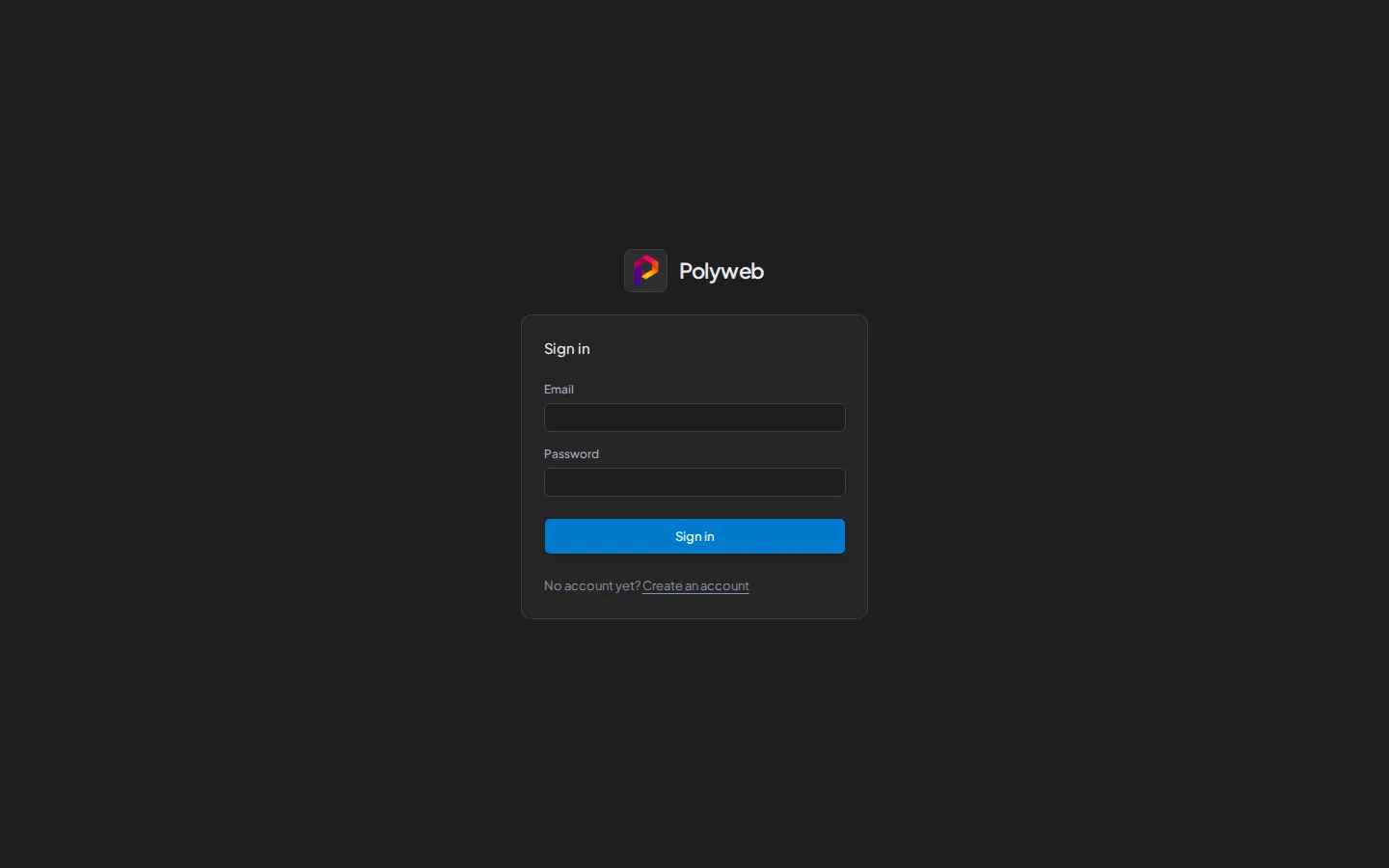
Sign in
Section titled “Sign in”- Open the dashboard, for example
http://localhost:3000. - Enter your Email and Password.
- Press Sign in.
If you followed a link to a specific page, you land there after you sign in. Links to other sites are ignored and send you to the dashboard home page instead.
A failed attempt shows “Sign-in failed. Check your email address and password.” The session ends if its refresh cookie expires, and you return to the sign-in page.
Create an account
Section titled “Create an account”On the sign-in page, press Create an account.
- Enter your Email.
- Enter a Password of 12 to 128 characters, then repeat it in Confirm password.
- Press Create account.
Registration does not sign you in. Press Go to sign in and use the credentials you just registered.
Every new account is an ordinary user with no projects. A system admin has to add you to a project before you see anything. Only the command line can create a system admin, as described in Admin accounts.
Check your account
Section titled “Check your account”Press Account in the sidebar. The page lists your Email, your Name if the account has one, and your Sign-in method, which is either “Email and password” or “Single sign-on”.
Sign out
Section titled “Sign out”Open the account row at the bottom of the sidebar (the button named “Open user menu”) and press Sign out. The same menu has an Account link.
Troubleshooting
Section titled “Troubleshooting”| Symptom | Fix |
|---|---|
| “Sign-in failed” | Check the email and password, then try again. |
| Registration fails | The email may already be in use, or the password is outside 12 to 128 characters. |
| “The two passwords do not match.” | Re-enter both password fields. |
| You are signed in but see no projects | Ask a system admin to add you to a project. |
Next steps
Section titled “Next steps”- Dashboard tour shows what you can do once you are in.
- Authentication and keys explains sessions, project API keys, and permissions.