
Usage
The Usage page totals a project’s calls per provider and operation, over all time. You need the View usage permission. For individual calls, use Activity and traces.
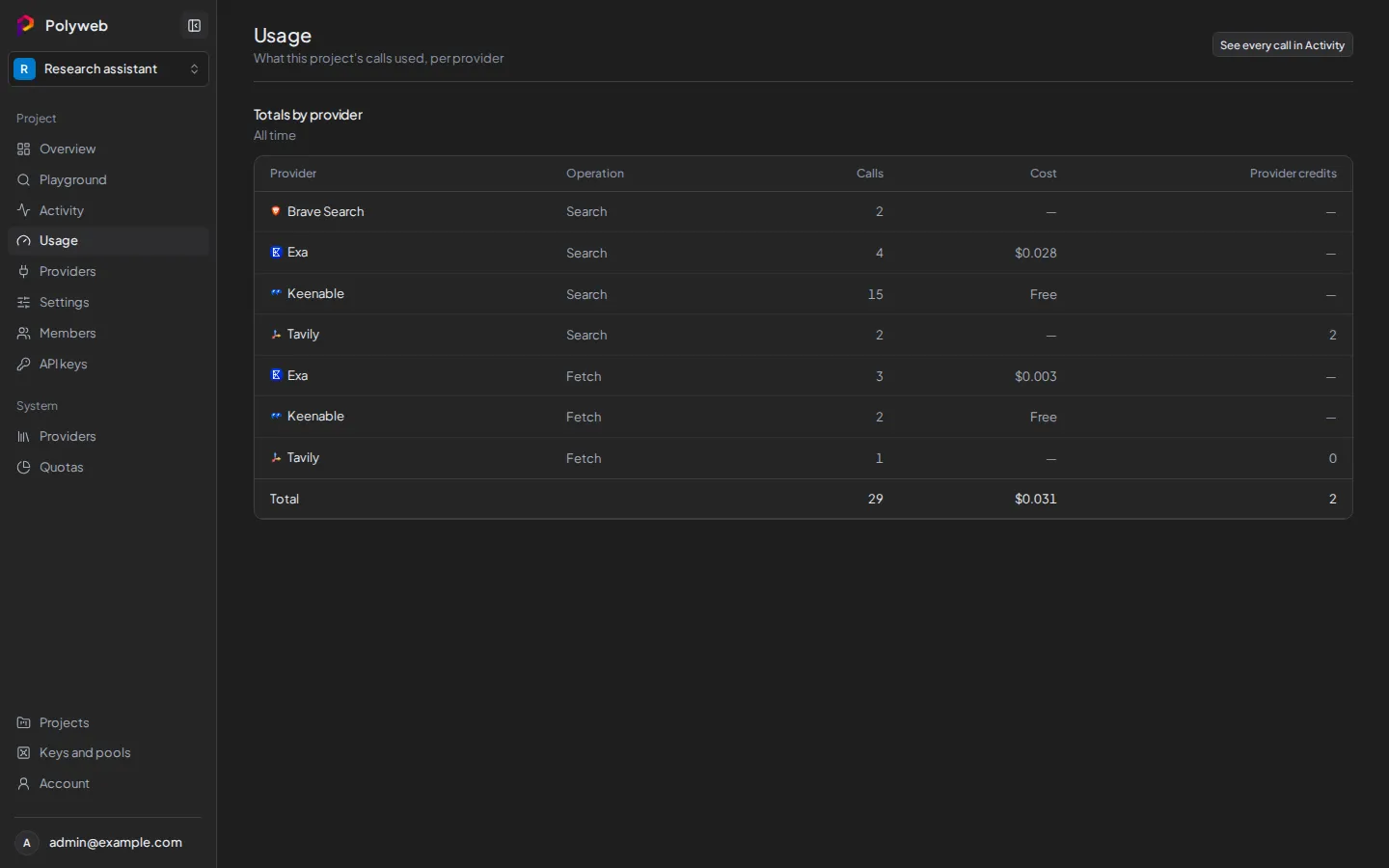
Read the totals
Section titled “Read the totals”- Open your project, then open Usage.
- Read Totals by provider. Each row is one provider and one operation (
searchorfetch).
| Column | Meaning |
|---|---|
| Provider, Operation | The provider and whether the row counts searches or fetches. |
| Calls | How many calls ran. |
| Cost | Reported charges in US dollars. Shows Free for keyless calls and a dash when the provider reported no cost. Totals include known costs only. |
| Billed requests | Calls counted against a provider’s request allowance. Shown only when a provider reports them. |
| Provider credits | Credits the provider deducted, in its own unit. Shown only when a provider reports them. |
| Other units | Units recorded before unit types were tracked. |
Units never mix: dollars, requests and credits each keep their own column. When more than one row is listed, a Total row sums the calls and each column.
Select See every call in Activity (top right) to open the call list.
Questions this answers
Section titled “Questions this answers”To see whether searches cost money, find the provider’s search row and read Cost. To compare operations, put a provider’s search and fetch rows side by side. The provider’s remaining allowance isn’t here. Admins see that in System providers and quotas.
Troubleshooting
Section titled “Troubleshooting”| Symptom | Fix |
|---|---|
| Usage is missing from the sidebar | You lack View usage. Ask a project admin. |
| “Usage is unavailable” | Select Retry. If it persists, check that the API server is running. |
| A call you expect is missing | Totals appear after calls are recorded. Check Activity and traces for the call itself. |